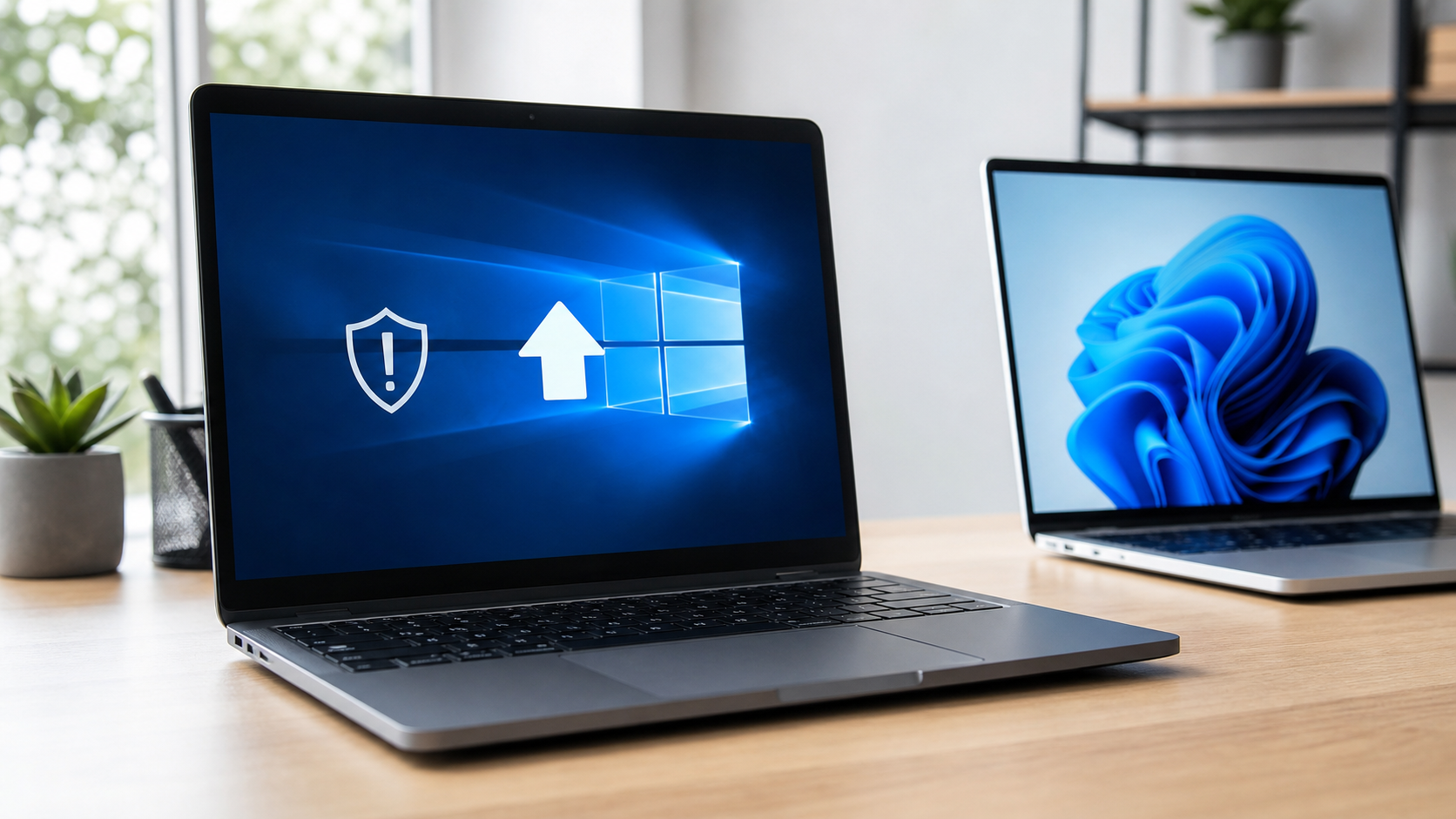
Windows 10 support has ended, and that changes how safe your laptop is in 2026. Microsoft ended regular support for Windows 10 on October 14, 2025, which means Windows 10 PCs no longer receive the usual free security updates, feature updates, or technical support.
Your computer will not suddenly stop working. You can still turn it on, open your files, browse the web, use apps, and watch videos. The real problem is security. As time passes, an unsupported operating system becomes a bigger target for malware, scams, ransomware, and compatibility issues.
So the big question is simple: should you upgrade your current PC to Windows 11, use Extended Security Updates, or buy a new laptop in 2026?
Here is the practical answer.
What Actually Happened to Windows 10?
Windows 10 reached end of support on October 14, 2025. After that date, Microsoft stopped providing regular free updates for normal Windows 10 users.
That matters because security updates are not just small background downloads. They fix weaknesses that hackers can use to attack your device. Without them, your laptop may become more risky for online banking, work accounts, school portals, saved passwords, and personal files.
If you only use an old laptop offline, the risk is lower. But if you use Windows 10 every day with the internet, email, downloads, shopping, or cloud storage, you should make a plan.
Option 1: Upgrade to Windows 11
For many users, upgrading to Windows 11 is the best first option. It keeps your existing laptop and gives you a supported operating system.
But not every Windows 10 PC can upgrade. Windows 11 has stricter hardware requirements. Your PC generally needs:
- A compatible 64-bit processor
- 4 GB RAM or more
- 64 GB storage or more
- UEFI with Secure Boot
- TPM 2.0
- DirectX 12 compatible graphics
- A 720p display or better
The easiest way to check is to open Windows Update or use Microsoft’s PC Health Check tool. If your device is compatible, upgrading is usually the most affordable move.
Best for: laptops from the last few years that still feel fast, have good battery life, and meet Windows 11 requirements.
Avoid this option if: your laptop is already slow, has poor battery life, low storage, broken hinges, or old hardware that barely meets the minimum requirements.
Option 2: Use Windows 10 Extended Security Updates
Microsoft also offers Extended Security Updates, often called ESU. This gives eligible Windows 10 devices critical and important security updates for extra time while users move to Windows 11.
For personal users, ESU coverage runs through October 13, 2026. It is useful if you need more time before replacing your PC.
But ESU is not the same as normal Windows support. It does not give you new features, design improvements, or general technical support. Think of it as a short-term safety bridge, not a long-term solution.
Best for: people who cannot replace their laptop immediately but still need safer access to the internet.
Avoid this option if: you are planning to keep the same Windows 10 laptop for several more years. In that case, upgrading or replacing the device makes more sense.
Option 3: Buy a New Laptop in 2026
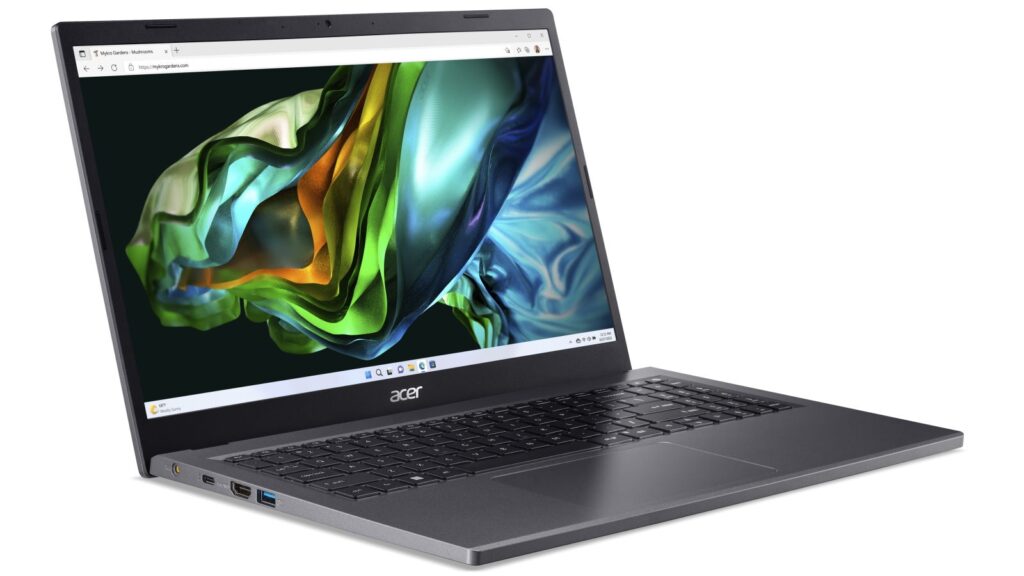
If your current laptop is more than five or six years old, buying a new laptop may be the smartest choice. A newer Windows 11 laptop will usually give you better speed, battery life, security, webcam quality, Wi-Fi, and app compatibility.
This is especially true for students, remote workers, small business owners, and anyone using their laptop every day.
When buying a laptop in 2026, do not only look at the price. Look for a balanced machine that will stay useful for several years.
A good everyday laptop should have:
- Intel Core i5, AMD Ryzen 5, or better
- 16 GB RAM if your budget allows
- 512 GB SSD storage
- Full HD display or better
- Good battery life
- Wi-Fi 6 or newer
- Windows 11 pre-installed
- A comfortable keyboard and trackpad
For students, portability matters. For office work, keyboard quality and battery life matter. For creators, RAM, display quality, and processor performance matter more.
Should You Still Use Windows 10 in 2026?
You can still use Windows 10 in 2026, but it is not ideal without security updates.
If you continue using it, follow these safety steps:
- Enroll in Extended Security Updates if eligible
- Keep your browser updated
- Avoid unknown downloads
- Do not install cracked software
- Back up important files
- Use strong passwords
- Turn on two-factor authentication
- Avoid using the device for sensitive work if it is not protected
The biggest mistake is ignoring the issue completely. A laptop can look normal while quietly becoming more vulnerable over time.
Upgrade or Buy? Quick Decision Guide
Upgrade to Windows 11 if your laptop is compatible, still fast, and has decent battery life.
Use Extended Security Updates if you need a few more months before buying a new device.
Buy a new laptop if your current device is slow, unsupported, low on storage, weak on battery, or important for work, school, or business.
If your laptop is already frustrating you every day, Windows 10 end of support is probably the sign to move on.
Final Verdict
Windows 10 support ending is not just a tech headline. It affects real users who rely on their laptops for study, work, banking, entertainment, and everyday life.
The best choice depends on your device. If your PC supports Windows 11, upgrade. If you need time, use Extended Security Updates. If your laptop is old and struggling, buy a new Windows 11 laptop in 2026.
A supported, secure laptop is not just about performance. It is about protecting your data, your accounts, and your peace of mind.
FAQ
Did Windows 10 stop working after support ended?
No. Windows 10 PCs still work, but they no longer receive regular free security updates from Microsoft.
Is Windows 11 free?
If your Windows 10 PC is eligible, the Windows 11 upgrade is usually available through Windows Update.
What happens if my PC cannot run Windows 11?
You can use Extended Security Updates for a limited time or buy a new Windows 11 laptop.
Is antivirus enough for Windows 10 after support ended?
No. Antivirus helps, but it does not replace operating system security updates.
Should students buy a new laptop in 2026?
If the current laptop is old, slow, or unsupported, a new Windows 11 laptop is a better long-term choice for study and online safety.